
"PG&E" refers to Pacific Gas and Electric Company, a subsidiary of PG&E Corporation. © 2026 Pacific Gas and Electric Company. All rights reserved.

California Gas Transmission (CGT) is pleased to announce new Pipe Ranger enhancements launching today that make key operational information easier to access, download, and use.
This release expands gas storage inventory visibility and adds new download options across several Pipe Ranger pages, giving customers more direct access to data in Microsoft Excel or tab-delimited formats.
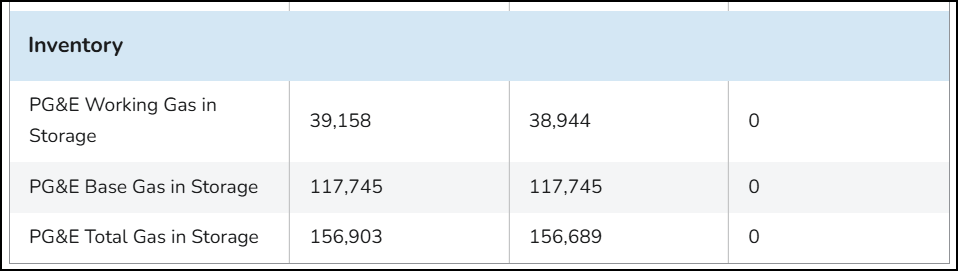
In August 2026, CGT announced the availability of Base Gas in Storage information on the Current Pipeline Status page as an interim solution while a more comprehensive enhancement was developed. Customers could view the Base Gas in Storage value at the bottom of the Recent Storage Activity table, providing additional visibility into storage inventory levels and supporting compliance with CPUC Decision 26-02-058.
That work is now complete. Base Gas in Storage information is now fully integrated into the Recent Storage Activity table on the Current Pipeline Status page alongside existing storage inventory data. The value is updated automatically through the normal daily storage reporting process, giving customers a more complete view of PG&E's total storage inventory in one location.
In addition to the base gas enhancement, several Pipe Ranger pages now include download features that allow customers to export displayed information in Excel or tab-delimited format. Each page includes controls specific to the type of data available.
The Customer Code List page now allows customers to export the complete list of customer codes and associated company names. Customers can select the Download link above the table to retrieve and maintain local copies of customer code information when needed.

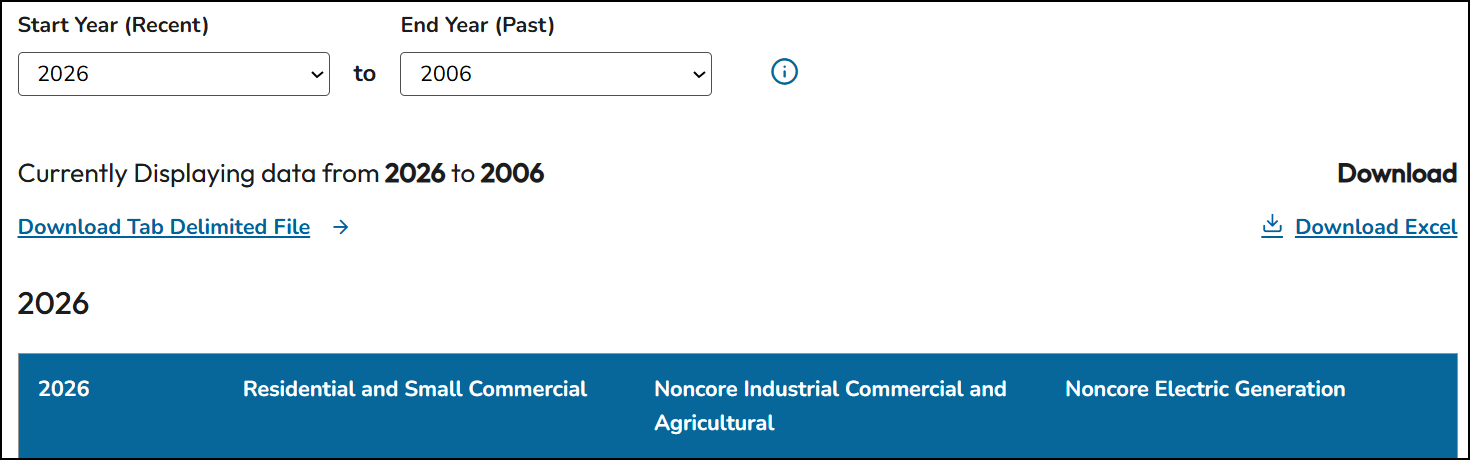
The Monthly End Use Demand by Customer Class page now includes year range selectors. Customers can choose a reporting period, update the table content displayed on the page, and download the results for analysis, reporting, or recordkeeping.
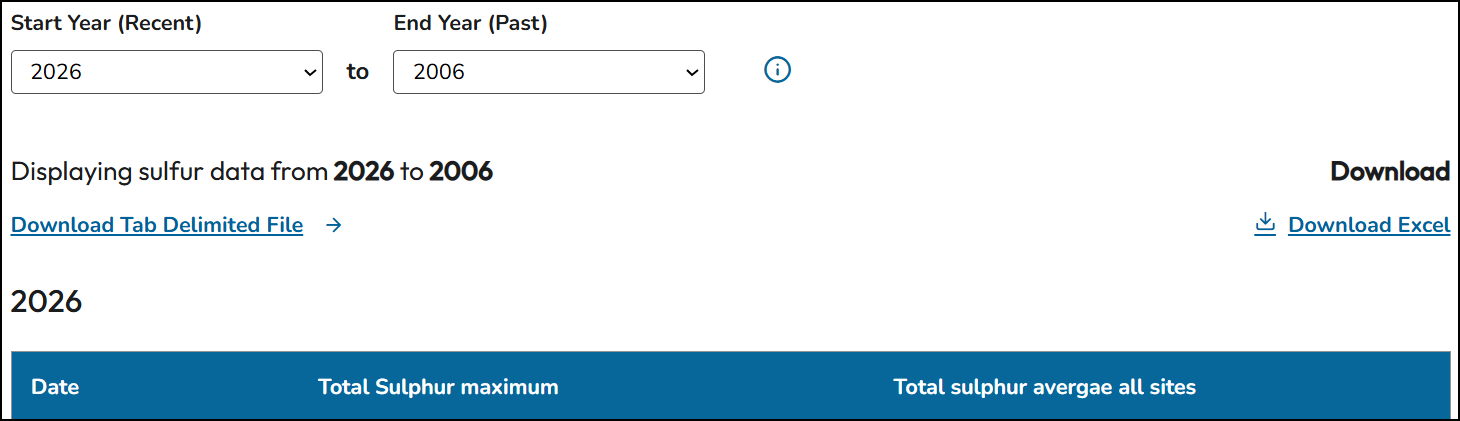
The Gas System Sulfur Survey Results page now allows customers to select a year range, display the desired sulfur survey information, and download the resulting data directly from the page.
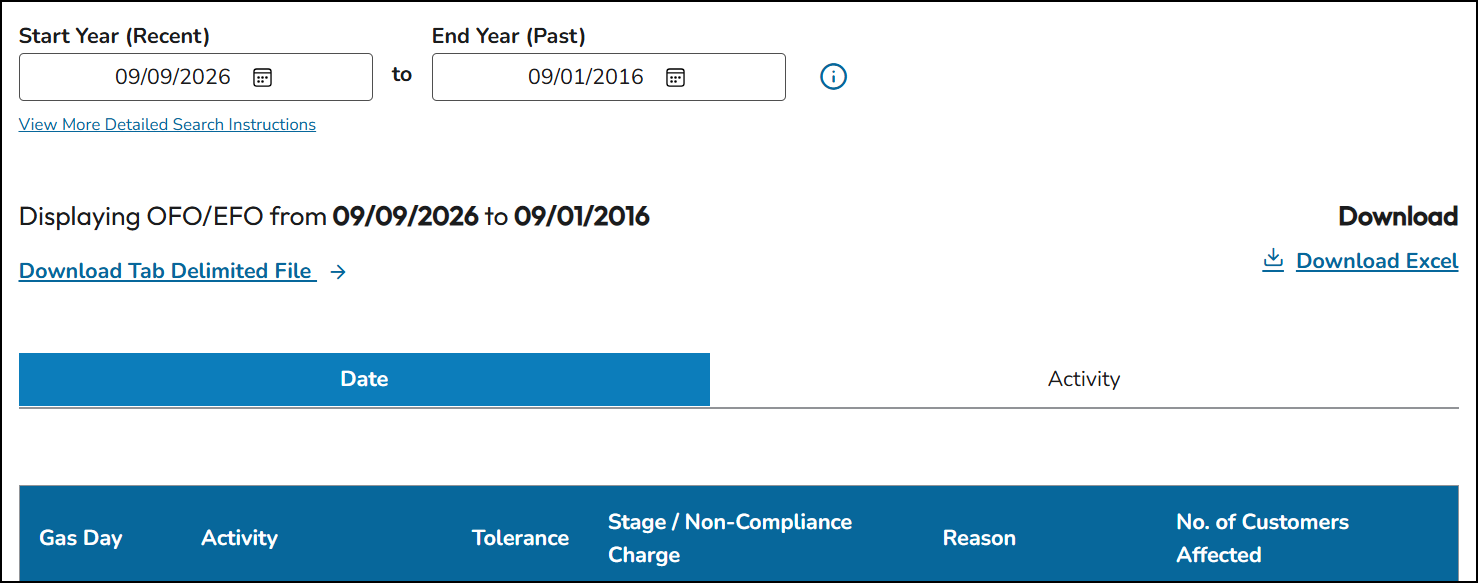
The OFO/EFO Archive page now includes download capability for archived Operational Flow Order (OFO) and Emergency Flow Order (EFO) information. Customers can specify a date range to filter archived records, then export the displayed results.
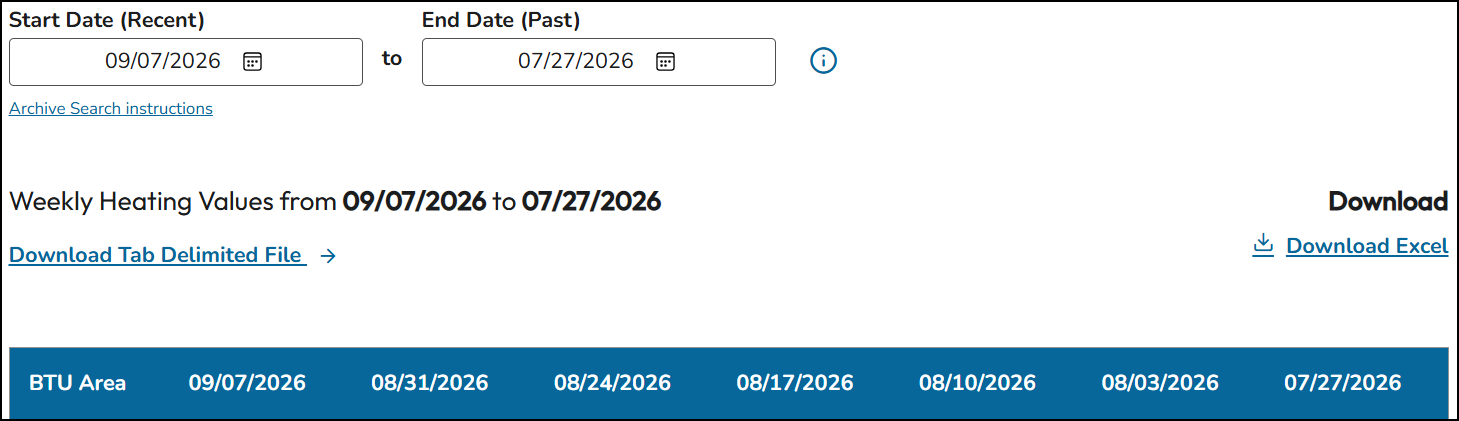
Customers can now download historical Therm Factor Heating Values from Pipe Ranger. Users can select a date range, view the corresponding heating value data, and export the information in Excel or tab-delimited format.
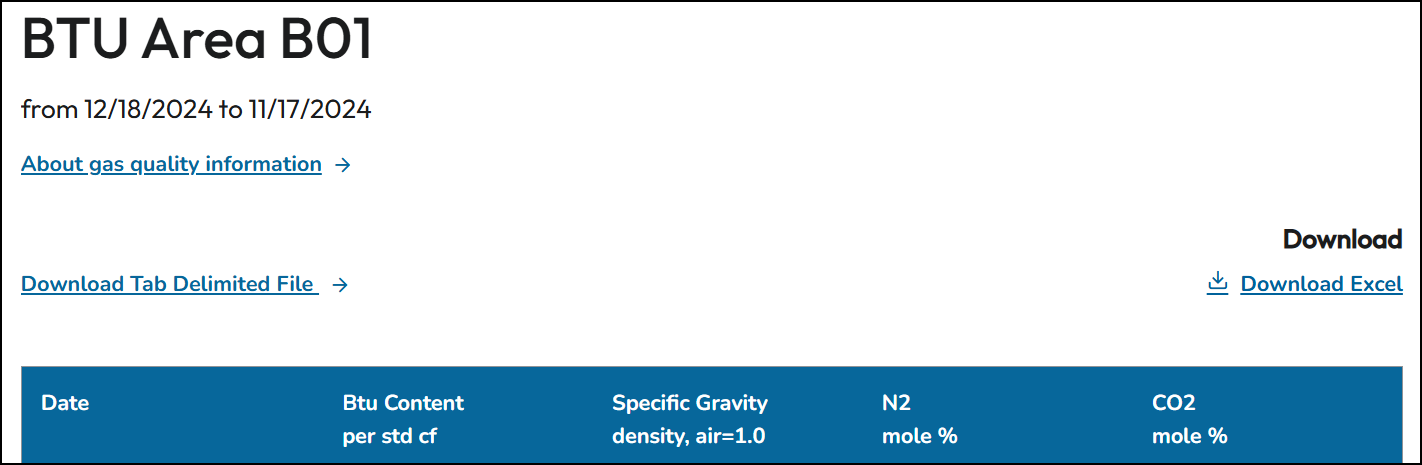
The Gas Quality Information page now includes download functionality for individual BTU areas. Because of the large volume of gas quality information generated across all BTU areas, long-term historical archiving is not currently maintained on Pipe Ranger. Customers can download up to the most recent 32 days of available gas quality data for a selected BTU area and save the information on a recurring basis to build their own archives over time.
These enhancements are part of CGT's ongoing effort to improve the Pipe Ranger customer experience by making key operational information more accessible, transparent, and useful.
The red "10" icon above highlights customer-driven enhancements and reflects CGT's continued focus on listening to feedback and improving the Pipe Ranger experience. If you have questions about any of these enhancements, please contact your CGT Account Manager.